

 German (DE)
 French (FR)
ZUGFeRD for Small Businesses – test first, then request access
📢 Important notice: ZUGFeRD conversion with 7-PDF Attach Extract and Remove + API token is available only after testing, request and subject to availability.
PDF-to-ZUGFeRD conversion is a specialized solution for suitable, machine-readable PDF invoices and controlled manual invoice runs. Please test with your own invoices before submitting a request. Licenses and API tokens can only be provided after review.
ℹ️ Test first, then request access
The AI-assisted conversion does not replace invoicing, accounting or ERP software and is not intended for unlimited bulk conversion, unattended dark processing, SaaS/portal/managed-service use or arbitrary/scanned PDFs.
If parser errors occur during the trial, or if the generated ZUGFeRD data is not fully correct, you should not purchase a license or subscription and should use a native e-invoicing solution instead.
🖨️ Create e-invoices from suitable PDF invoices – controlled, review-required and after prior testing. With the 7-PDF PDF print workflow, suitable invoices from Word, Excel or other invoicing software can be converted into a review-required PDF/ZUGFeRD e-invoice. Suitable, machine-readable source documents and subsequent manual review are required.
🧾 What is a ZUGFeRD e-invoice?
A PDF/ZUGFeRD invoice generally consists of two components:
- 📄 A PDF/A-3 document for visual invoice representation
- 🧩 An embedded XML file containing structured invoice data
🛠️ Prepare ZUGFeRD PDFs for small invoice runs in a controlled workflow
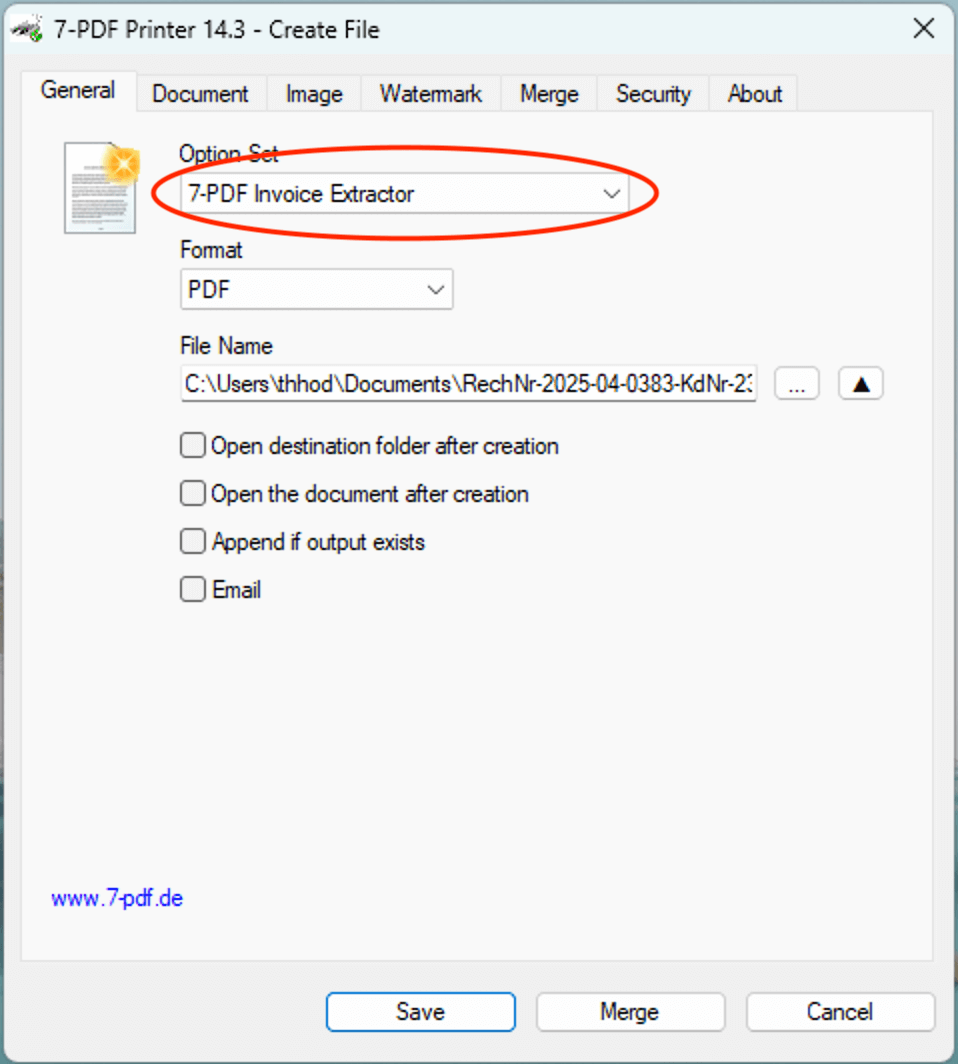
You create your invoice, for example, in Word, Excel or an invoicing program. Using the PDF printer 7-PDF Printer, a PDF/A-3 invoice can be generated. The AI-assisted service 7-PDF Invoice Extractor can analyze suitable, machine-readable invoices and create a review-required XML file, which is embedded into the PDF using 7-PDF Attach Extract and Remove (from version 2.0). The result must then be checked manually. The workflow is intended for controlled manual invoice runs and does not replace a native ERP, invoicing or accounting solution.
🚀 Usable after setup and successful testing
✅ Usage notes at a glance
🧩 Existing ERP data can also be usedIf you already generate suitable ZUGFeRD XML files from your ERP software, you can embed them into a PDF/A-3 document using 7-PDF Attach Extract and Remove. This requires that the XML has been created correctly and matches the respective PDF invoice. 🌐 Alternative: ZUGFeRD Online PortalAlternative use: Suitable PDF invoices can also be processed in the online portal. Use our ZUGFeRD Online Portal at https://konverter.zugferd-rechnungen.de/en/
To use the service, you need an approved 🔐 API token for our AI-assisted invoice data extractor (7-PDF Invoice Extractor). API token packages are only available after prior testing, request, review and availability check.
✅ GDPR-oriented processing 🎬 Video: ZUGFeRD Online Portal
🚨 Data protection & security
🧑💻 SupportFor questions about setup or testing with your own invoices, you can use the Support Form. |
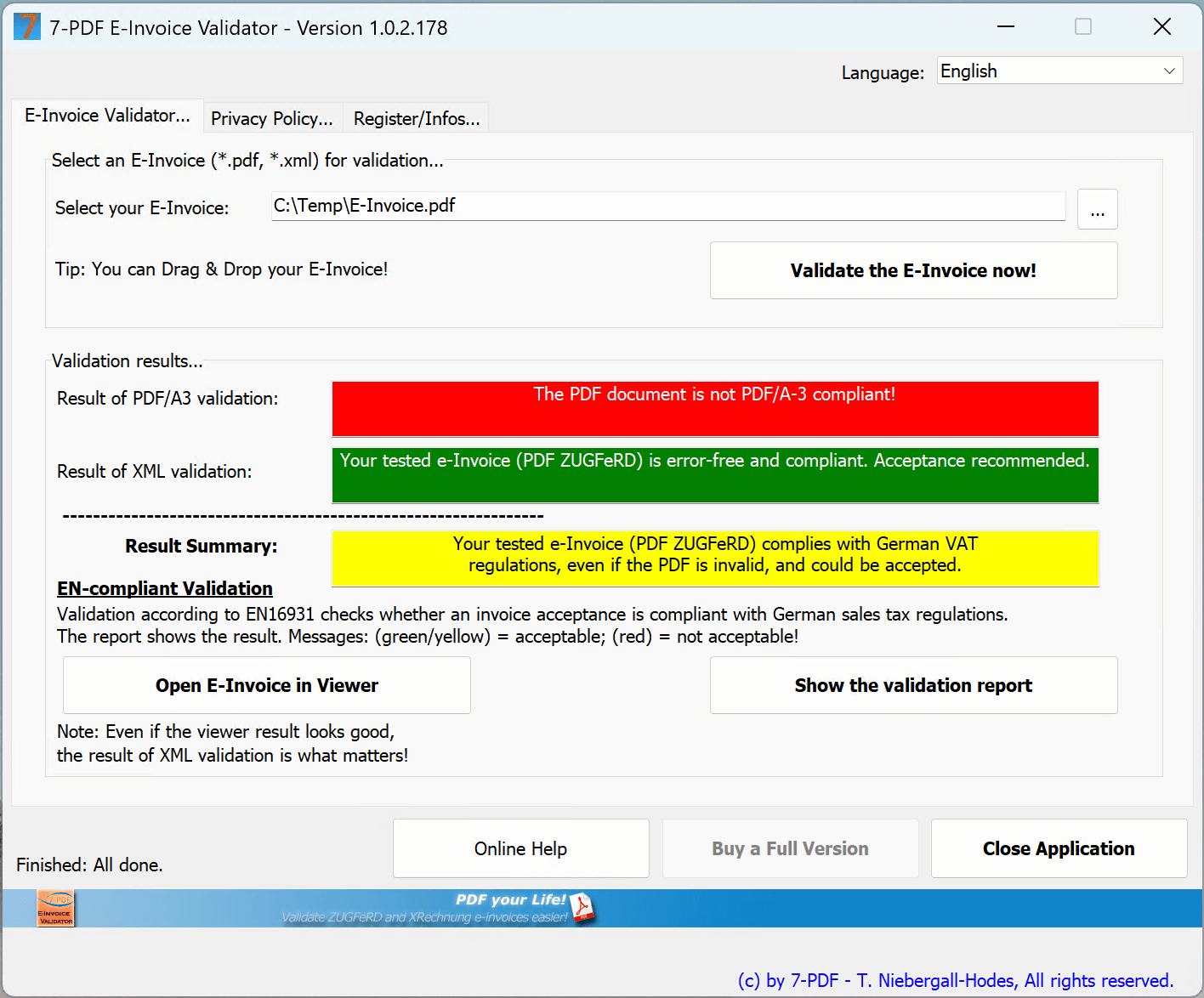
🔍 Check your PDF/ZUGFeRD file
|
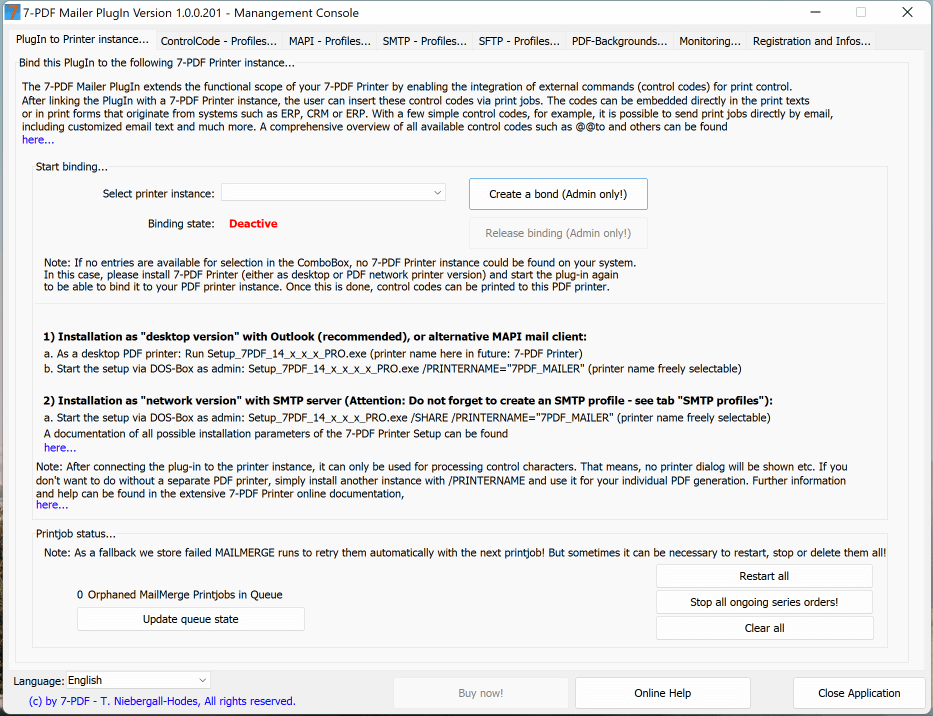
📧 Supported invoice dispatch by email
|
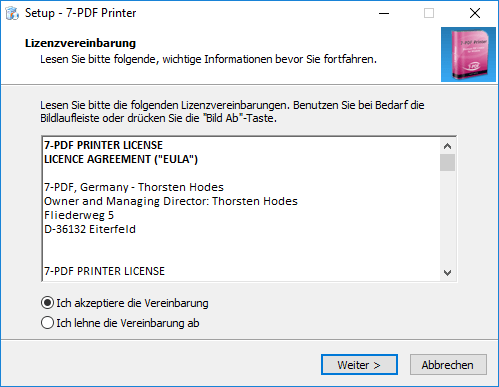
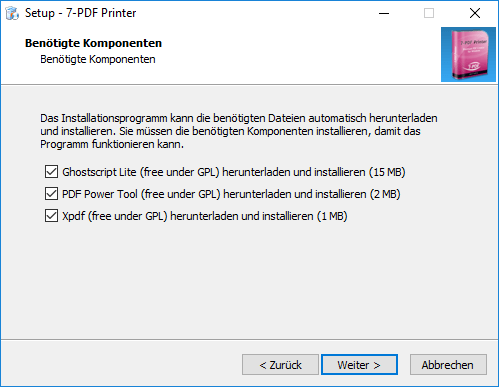
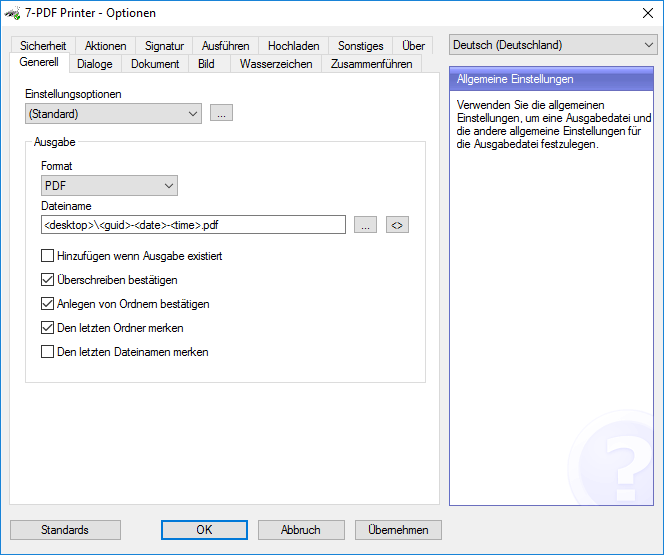
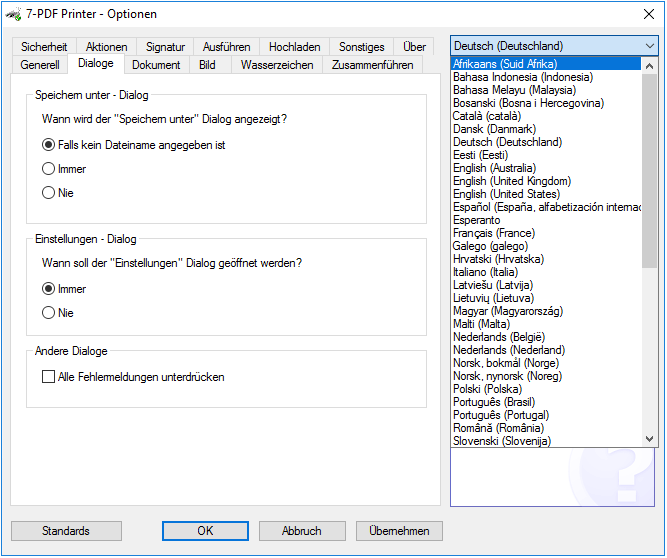
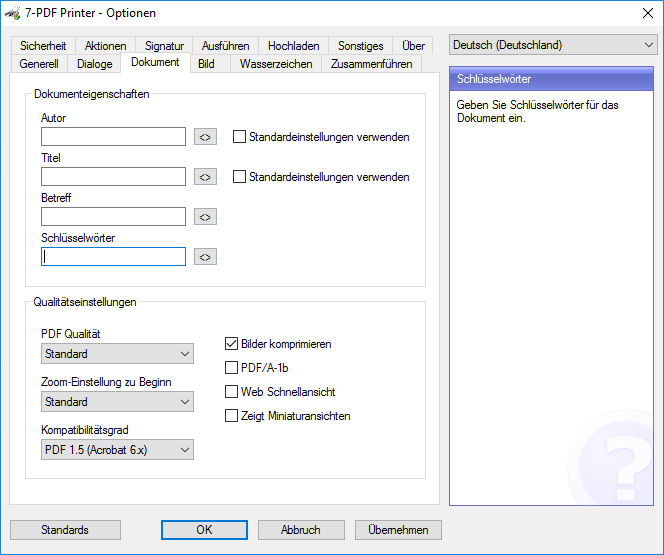
PDF Printer - Screenshots
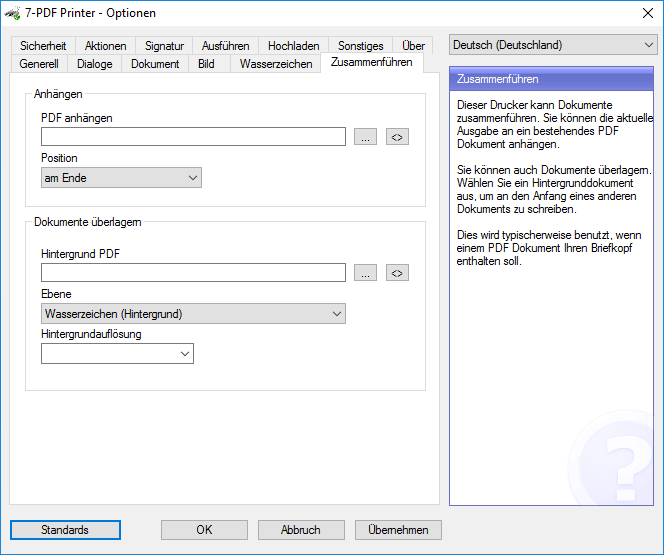
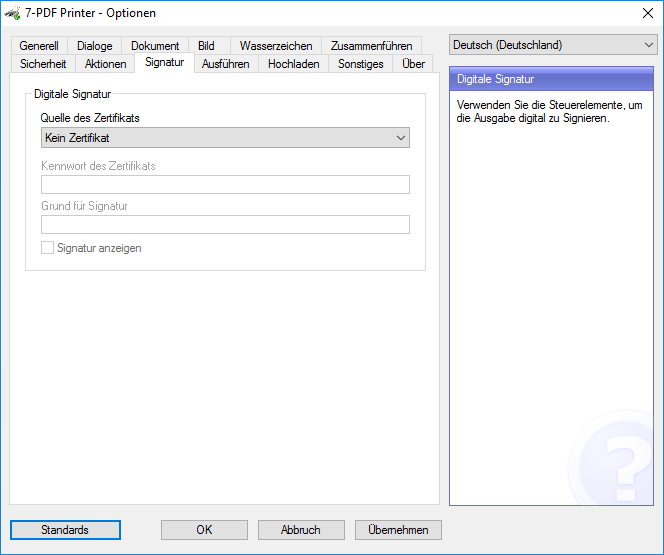
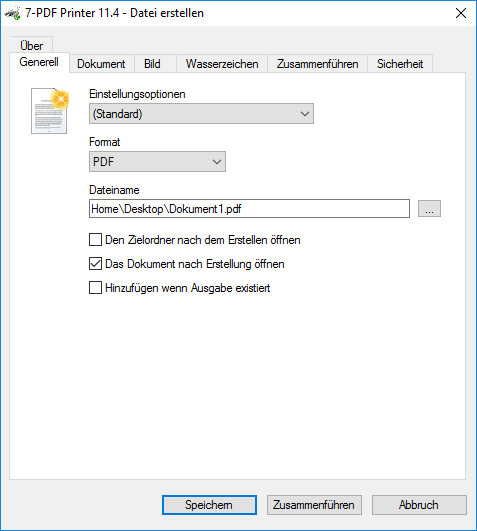
Let yourself be pleasantly surprised
You can find more information about our PDF printer on this Product detail page...
⚠️ Manual review required
AI-assisted ZUGFeRD e-invoices must always be checked visually, technically and content-wise before being forwarded. Responsibility for the invoice remains with the user.