
 German (DE)
 French (FR)
PDF Attach Extract and Remove : Make more of your eInvoice - Attach, extract, and delete files in PDF (ZUGFeRD)
📢 From now on: Licenses for 7-PDF Attach Extract and Remove + API Token are only available upon request and subject to availability.
Note: The software is intended for small businesses, sole proprietors, freelancers, service providers, tradespeople, etc. with a manual invoicing process. It is not intended for use by public authorities, large enterprises/corporations, banks, or for integrations (e.g., portal, SaaS, managed service, third-party applications).
PDF invoice to PDF/ZUGFeRD e-invoice
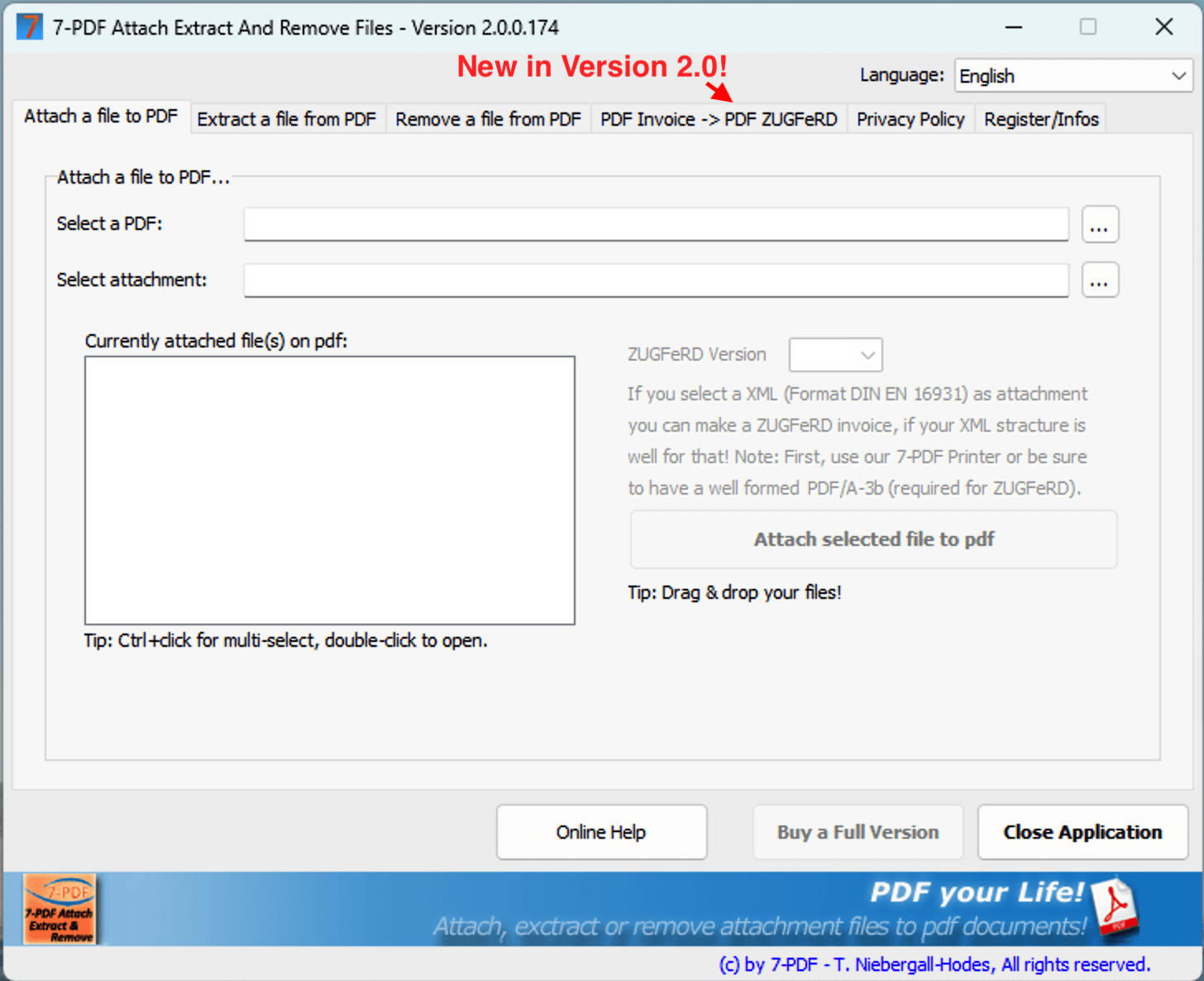 Using the corresponding tab of the software, suitable, machine-readable PDF invoices can be prepared as PDF/ZUGFeRD e-invoices in DIN EN 16931 format, provided that the invoice is suitable in terms of content, complete and machine-readable. In addition to the one-time program license, you need a paid subscription (API token) for our AI-assisted 🤖 Invoice Extractor.
If parser errors occur, including due to missing mandatory information, insufficient machine readability, or implausible results, this may be an indication that your PDF invoices are not suitable for this workflow; in this case, you should refrain from purchasing a license or subscription and use another e-invoicing solution. Our software does not replace a modern ERP solution for creating e-invoices and is primarily intended for controlled manual invoice runs in very small businesses.
📢 Important: Licenses for 7-PDF Attach Extract and Remove + API Token are, until further notice, available only upon request, after prior testing and subject to availability. If you are interested, after a prior trial mode test, please feel free to use our support form for a non-binding inquiry. The purchase of a license or subscription can only be confirmed after review.
The purchase of a license for 7-PDF Attach Extract and Remove without API Token only – without PDF/ZUGFeRD conversion and exclusively for attachment management – is generally possible upon request and after a brief review.
E-invoice preparation via print workflow
In a practical example, we demonstrate in this tutorial how the print output of our PDF printer 7-PDF Printer can be used to create a PDF/A-3b document as a technical basis. An existing or generated e-invoice XML can then be embedded to prepare a review-required PDF/ZUGFeRD document. As an additional step, the generated PDF/ZUGFeRD document can be technically and formally checked against the DIN EN 16931 schema using our 7-PDF E-Invoice Validator.
Make more of your PDF eInvoice by embedding additional files!
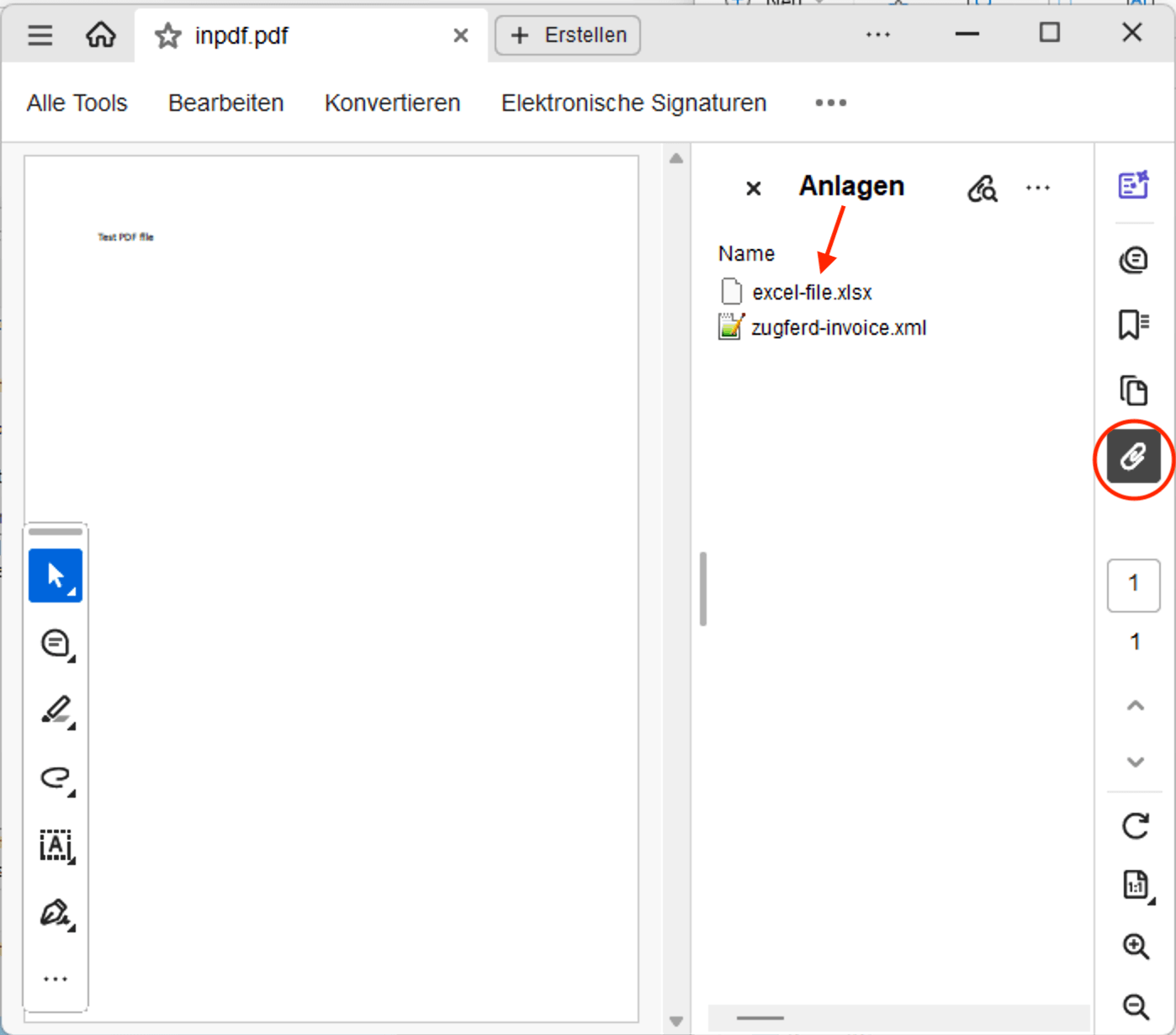
The PDF eInvoice, particularly in the ZUGFeRD PDF format, offers the advantage of attaching and embedding additional invoice-relevant documents and files directly alongside the XML file, such as factur-x.xml or zugferd-invoice.xml. This ensures that all invoice-related files are readily accessible where they matter most. As a classic example, you can attach your General Terms and Conditions (GTCs) to your eInvoice or include other order-related or invoice-related documents. The recipient of the eInvoice can access, open, and easily archive these attachments with Acrobat Reader or our PDF Attach Extract and Remove tool when they receive the eInvoice.
 Attach, extract, and delete documents in standard PDF files
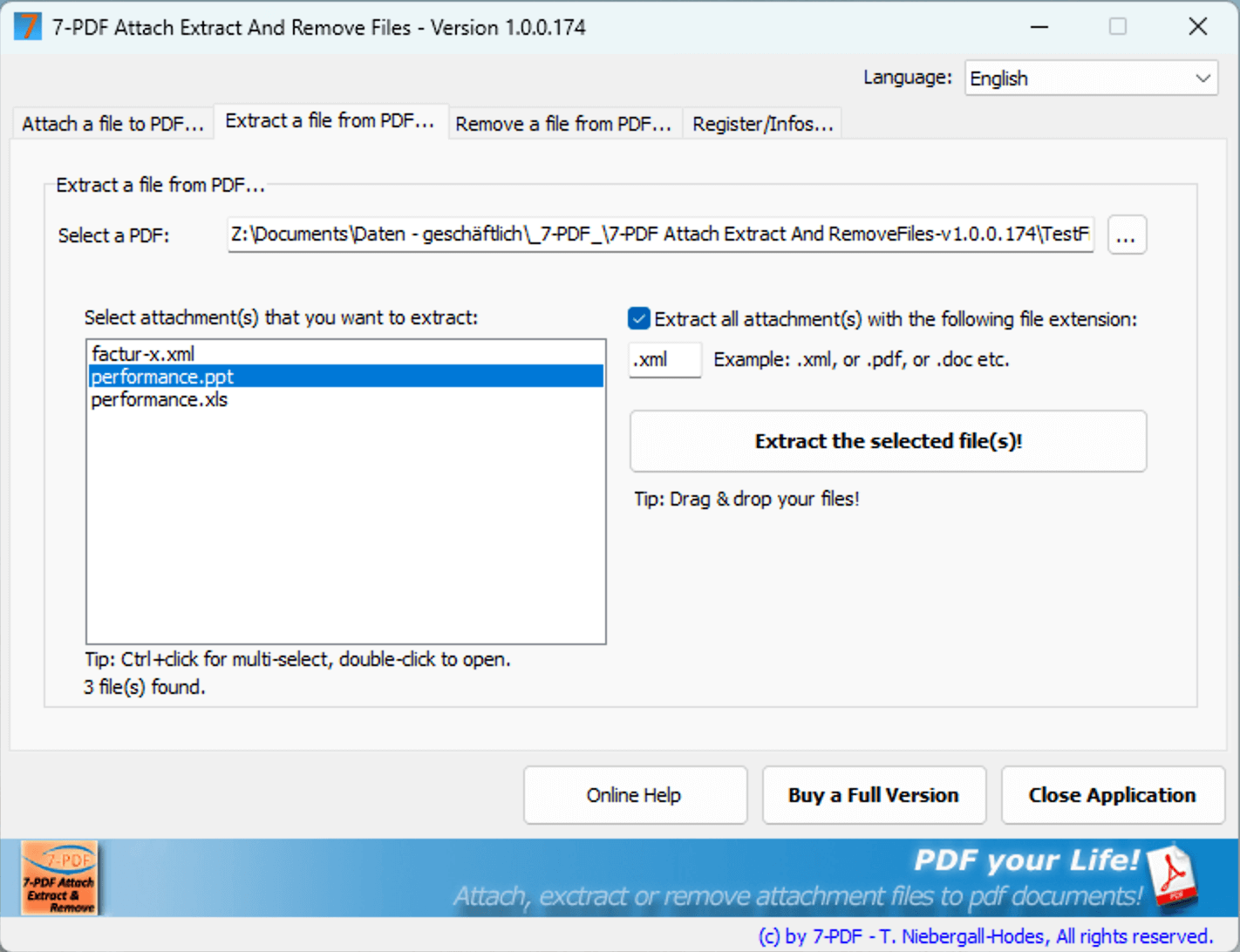
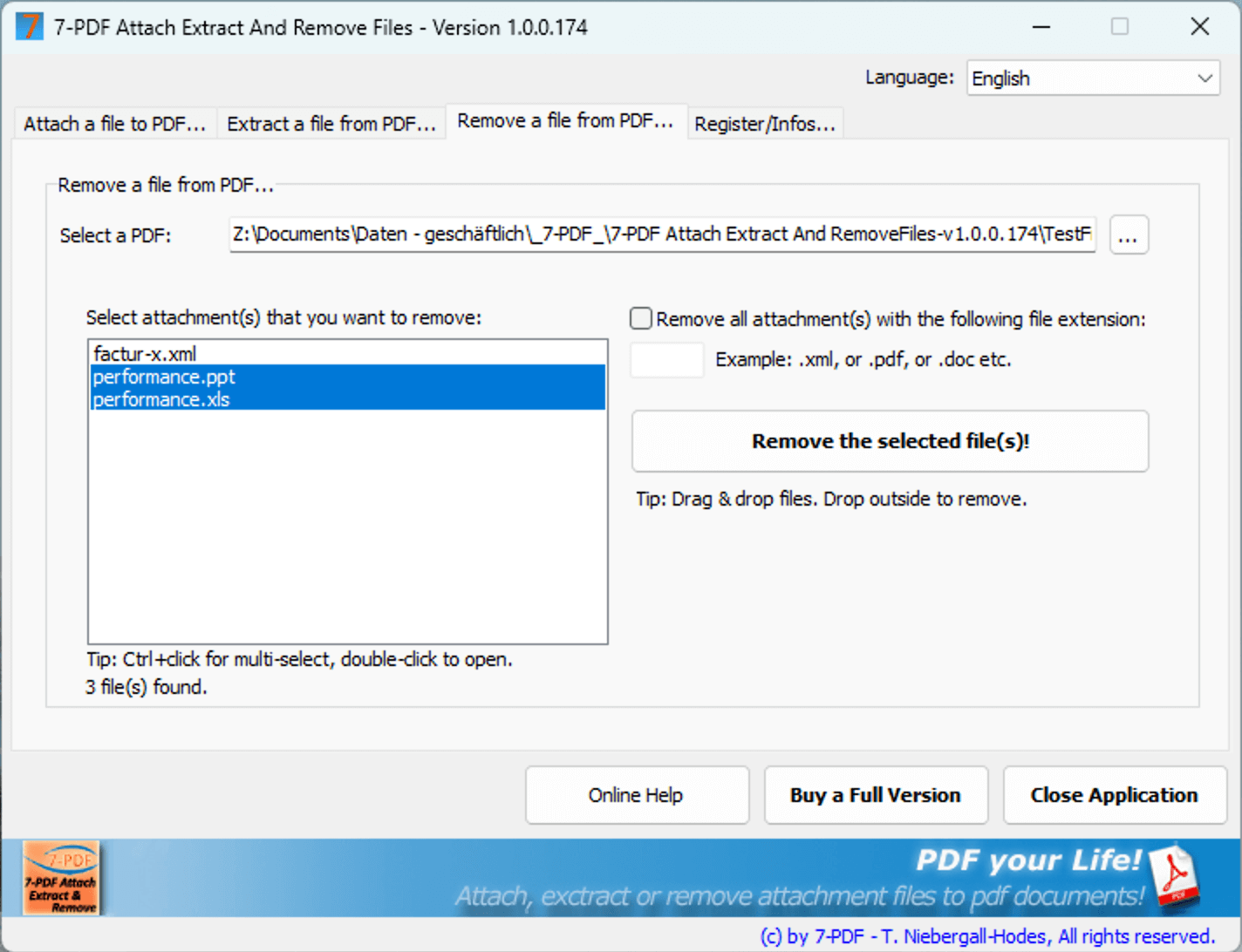
Furthermore, you can also enhance standard PDF files with attachments (embedded files) using our tool. Regardless of the file type, the PDF Attach Extract and Remove tool by 7-PDF lets you attach these to existing PDF documents. Additionally, with our tool, you can extract and delete embedded files from PDF documents easily, even via drag and drop. Would you like to load a PDF document and open the embedded files with a double-click? That is also possible with our software. Our program simplifies the handling of embedded files in PDF documents significantly. With Acrobat Reader, this process is cumbersome – or rather a struggle? See for yourself and download our software today!
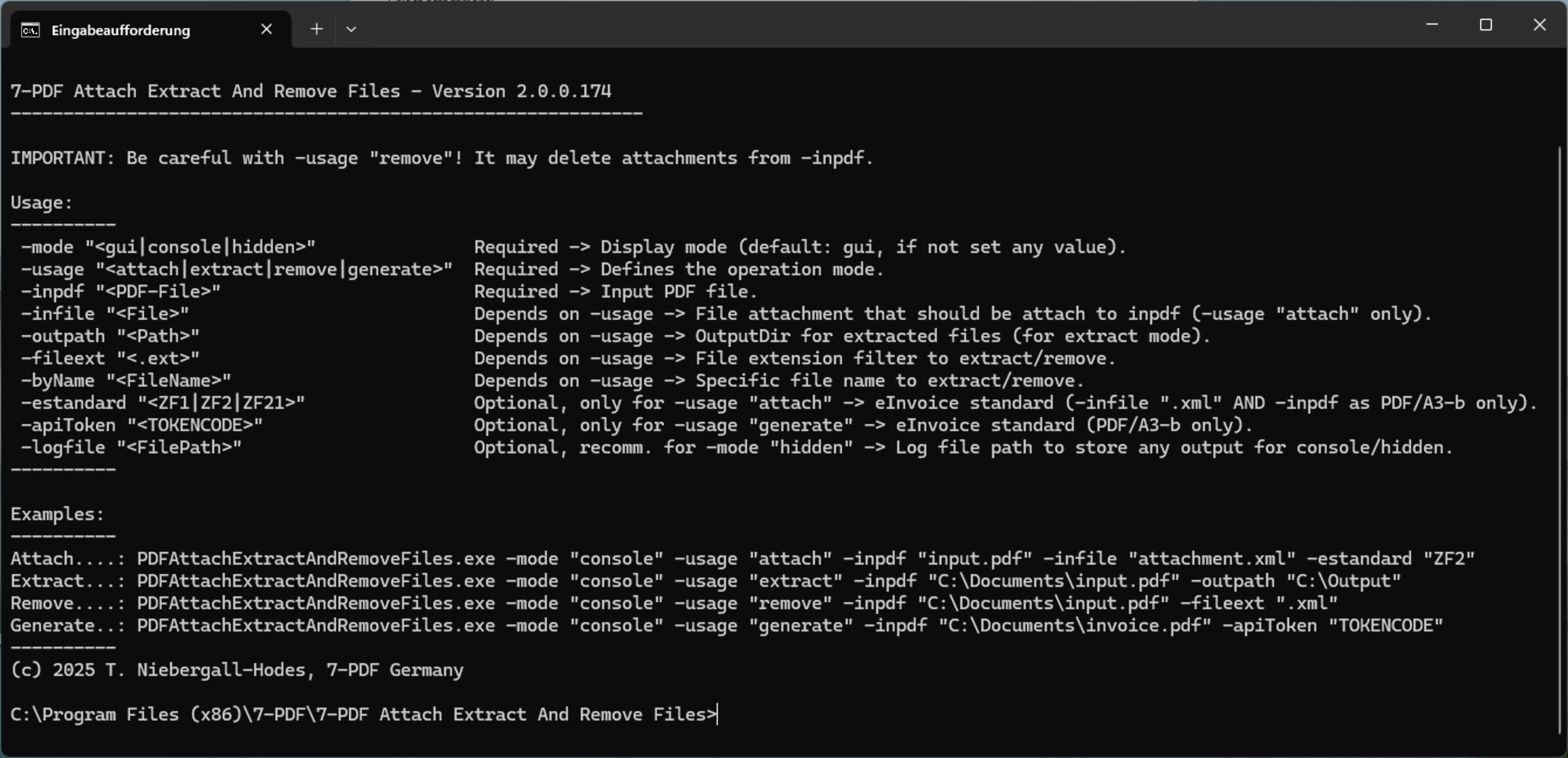
CLI Command Line Mode - Attach, extract, and delete files in PDF documents using a DOS command
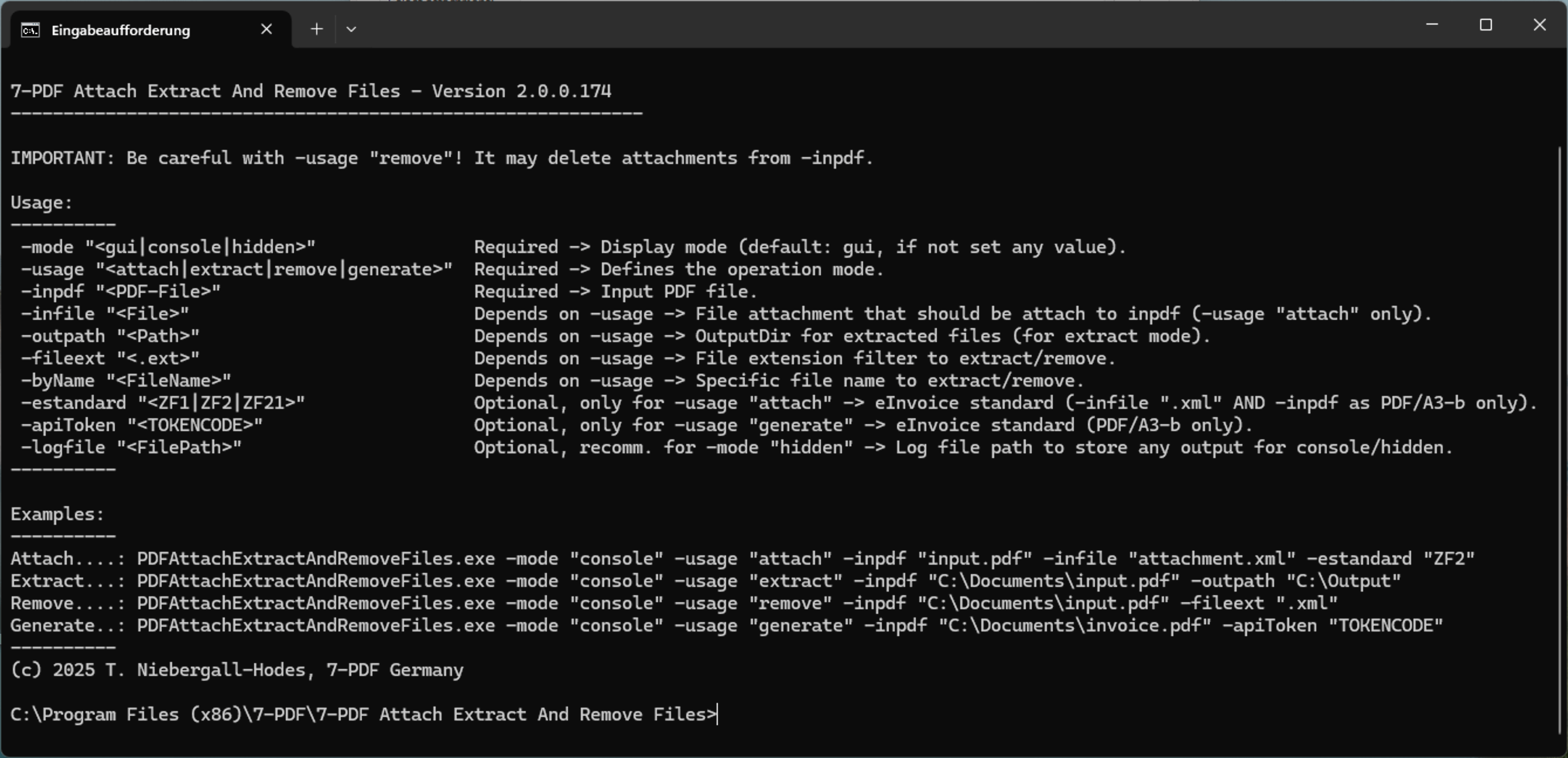
PDF Attach Extract and Remove offers a way to attach, extract, or delete files in PDF documents directly via command-line (CLI) DOS commands. Integrate our tool into your automated processes, easily extract factur-x.xml or zugferd-invoice.xml attachments from ZUGFeRD PDF documents, or handle other file formats. You will appreciate these features, especially for automation and managing eInvoices.
- Supports standard PDF documents and ZUGFeRD PDFs (eInvoice) for attaching, extracting, and deleting files
- Easily attach any files to existing PDF documents
- Convert PDF invoices directly to PDF ZUGFeRD in DIN EN 16931 format (paid subscription via Invoice Extractor required)
- Extract attached files from PDF documents
- Easily delete embedded files from PDF documents
- Command Line Mode (CLI Mode) for automating attachment, extraction, or deletion operations for PDF file attachments
- Attach, extract, and delete file attachments in PDFs via drag and drop
- Easily open embedded files in PDF documents with a double-click
- The software is available in German and English
A license is required for each user who wants to use the software permanently (NamedUser license model). The licensee can install and use the software without restrictions. You may distribute or share this shareware version; however, a licensed version is non-transferable and must not be distributed or used by third parties after registration.
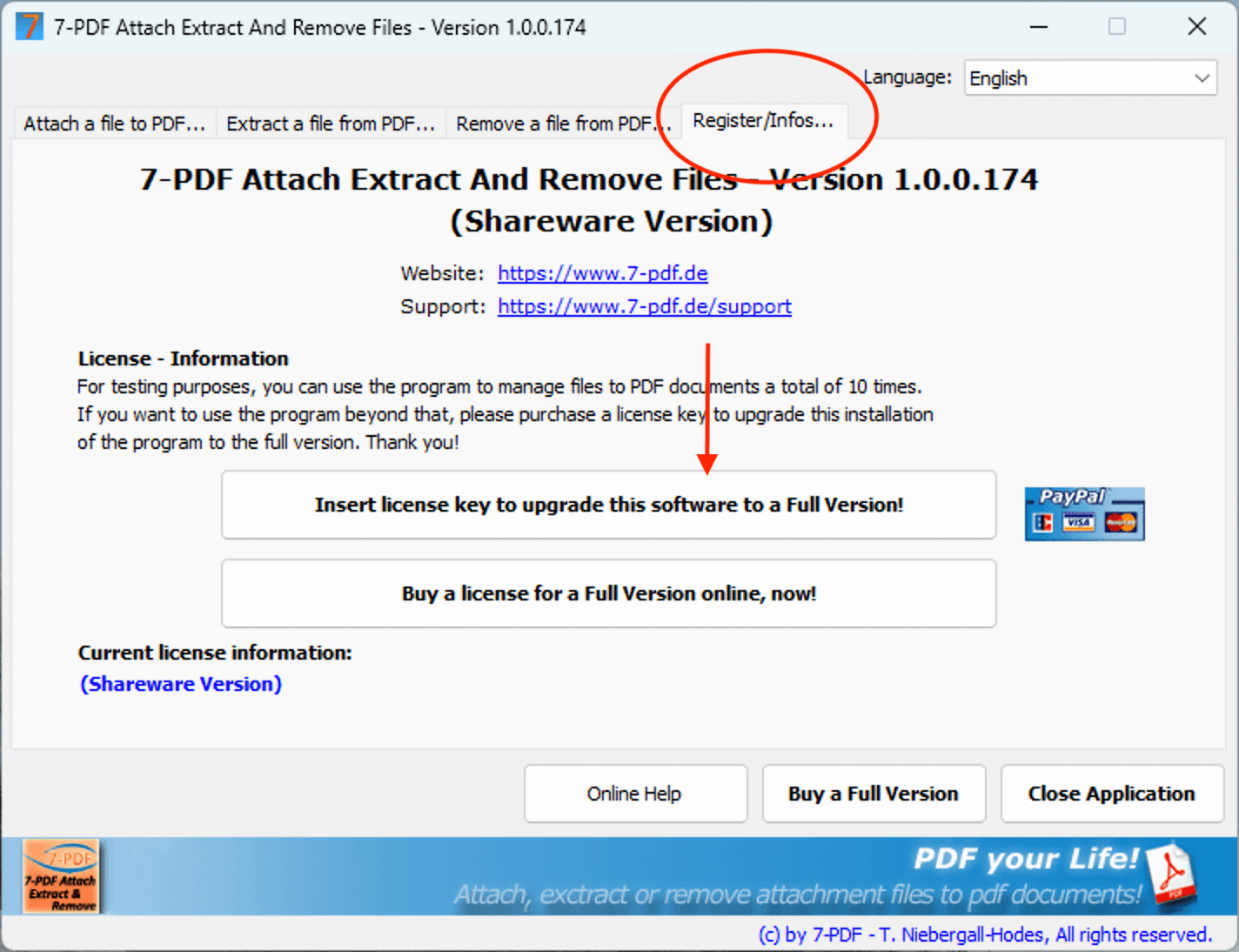
Limitations of the shareware version: The free download version of the program can be used up to 10 times for testing purposes to organize files in PDF documents. To upgrade to the unrestricted full version, a paid license key is required!
System requirements
Our PDF Attach Extract And Remove Files tool can run on modern Windows systems starting from Windows 7 and higher. We only provide support for operating systems currently supported by Microsoft (see listing). The software supports operation on terminal and Citrix systems. Our customer support is happy to assist with the setup free of charge.
Downloads
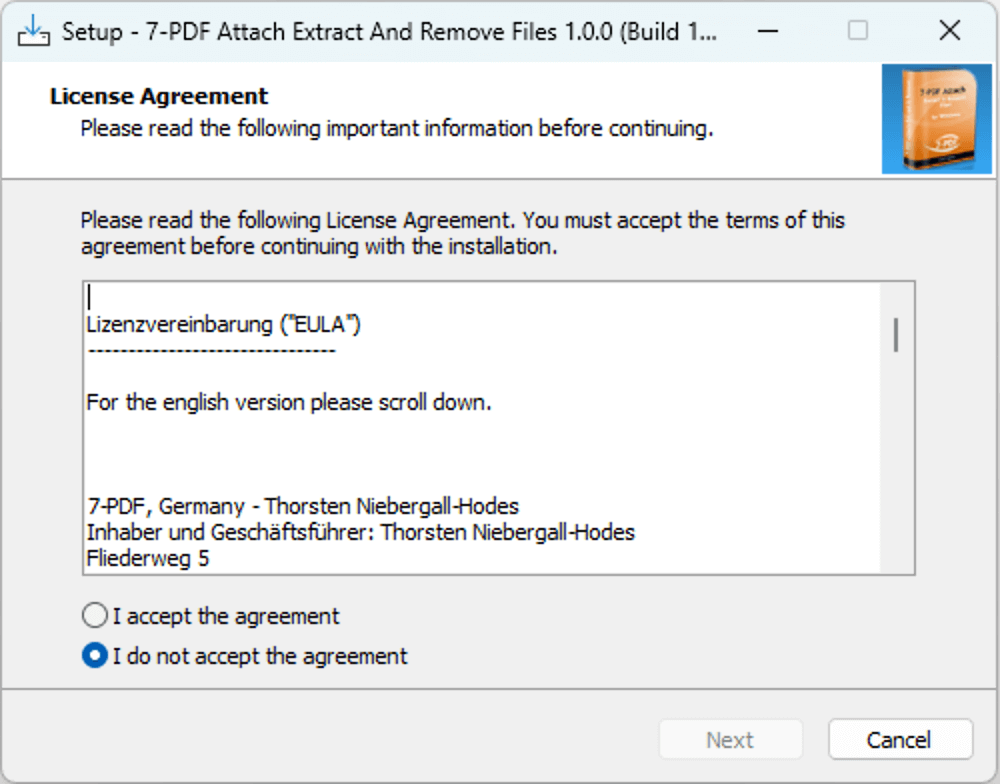
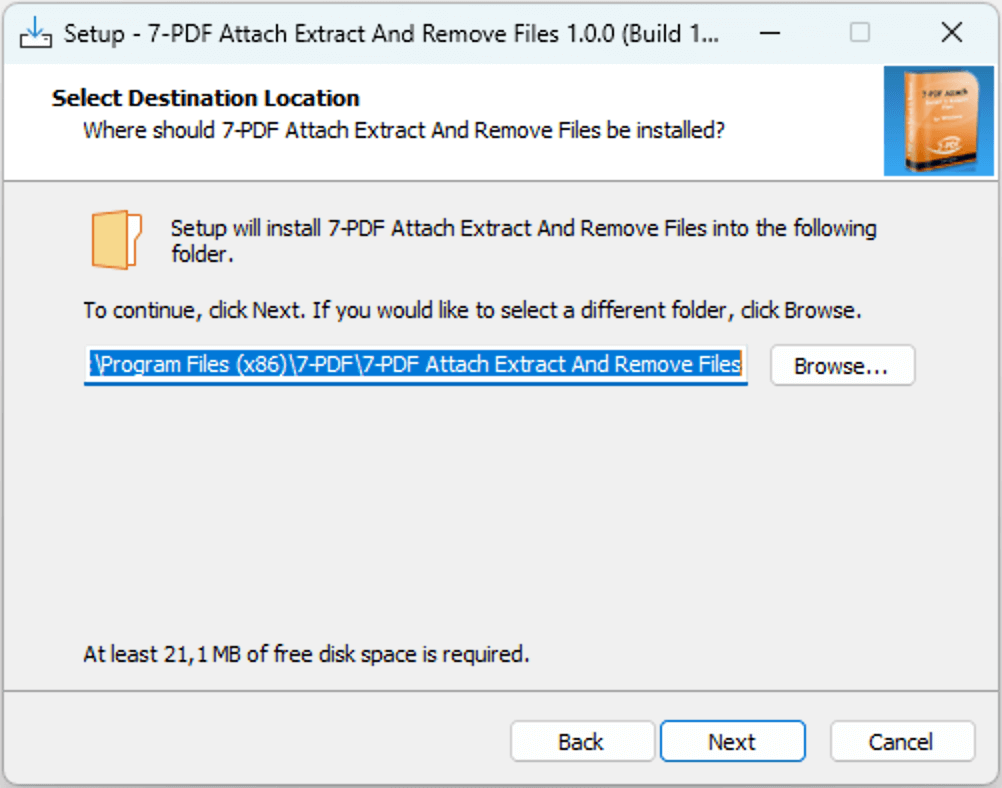
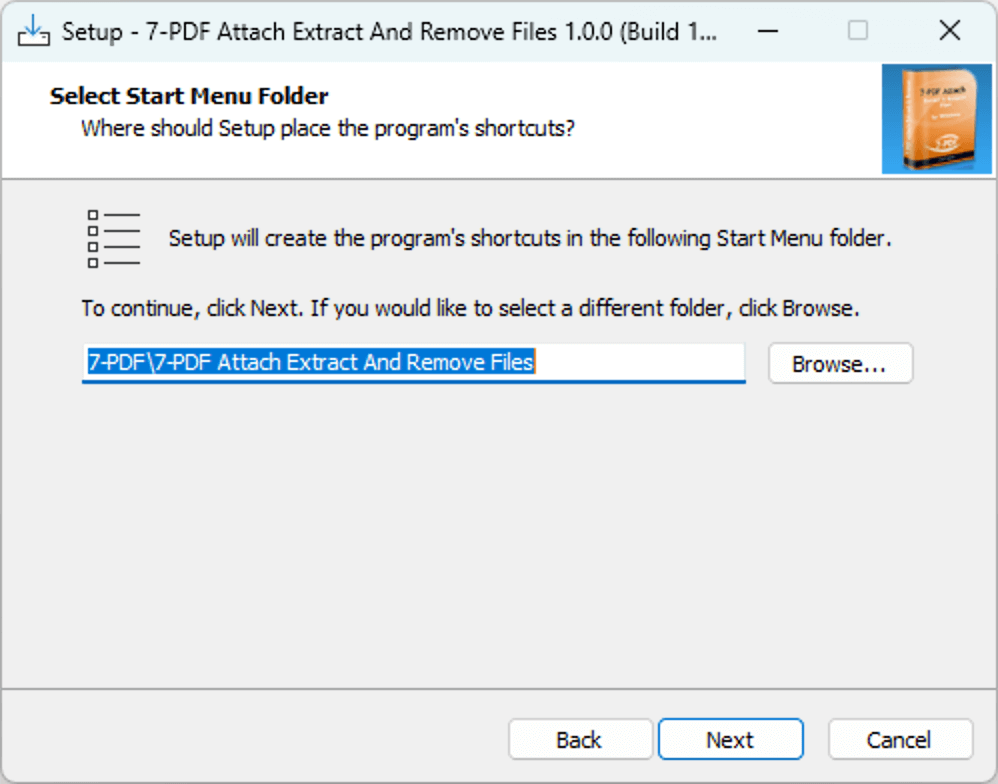
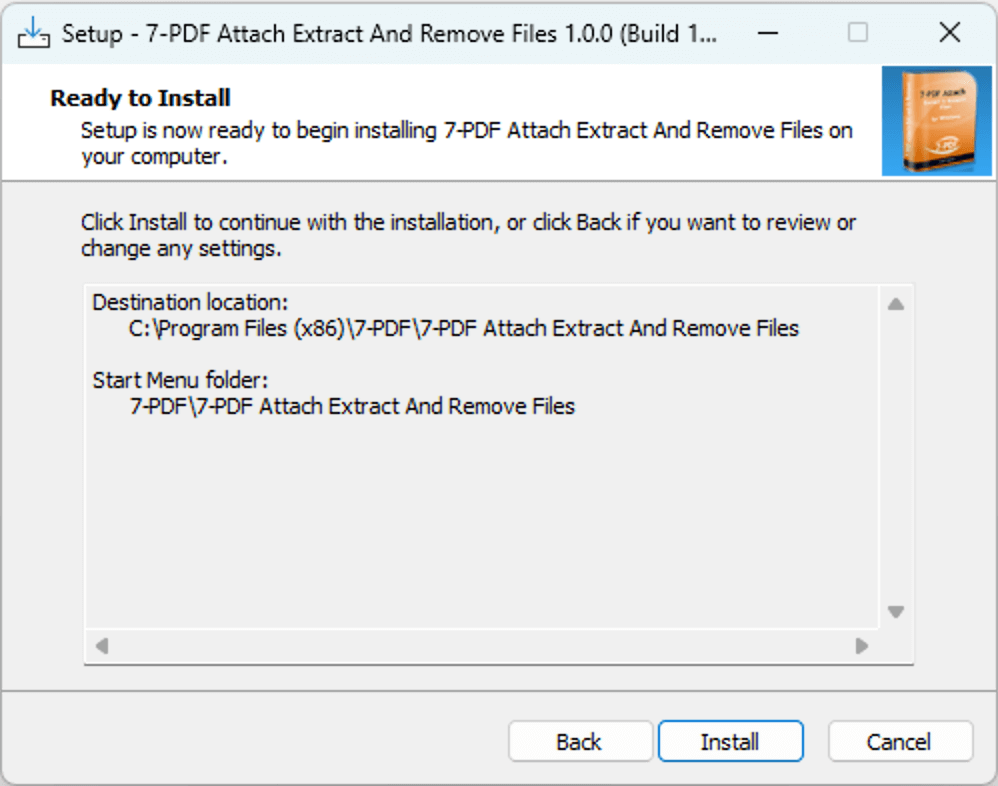
Screenshots