

 German (DE)
 French (FR)
Create ZUGFeRD PDF – test first, then request access
📢 Important notice: ZUGFeRD conversion with 7-PDF Attach Extract and Remove + API token is available only after testing, request and subject to availability.
PDF-to-ZUGFeRD conversion is a specialized solution for suitable, machine-readable PDF invoices and controlled manual invoice runs. Please test with your own invoices before submitting a request. Licenses and API tokens can only be provided after review.
🖨️ Through a controlled PDF print workflow for suitable invoices from Word, Excel, or an ERP or inventory management system, documents can be prepared as the starting point for review-required PDF/ZUGFeRD e-invoices.
🧾 What is a ZUGFeRD e-invoice?
A ZUGFeRD invoice generally consists of two components:
- 📄 a PDF/A-3 document for visual representation
- 🧩 an embedded XML file with structured invoice data that must match the invoice professionally and formally
🛠️ Print or create ZUGFeRD PDFs in a controlled workflow
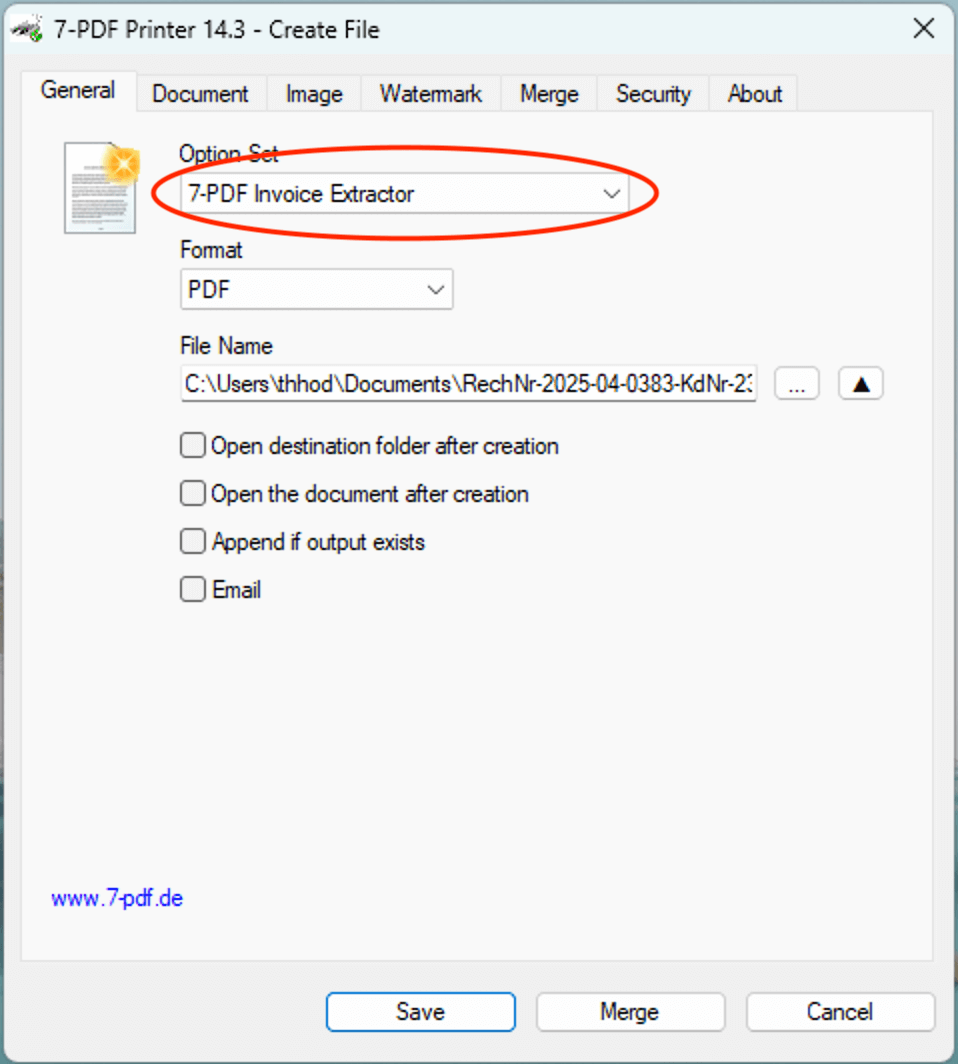
With the 7-PDF Printer, you can output an invoice 🖨️ as a PDF as usual from Word, Excel, an inventory management system or your ERP solution and include it in a controlled PDF/ZUGFeRD workflow. However, ZUGFeRD generation is not performed by the PDF printer alone, but in combination with 7-PDF Attach Extract and Remove (from version 2.0) and the integrated AI-assisted service 7-PDF Invoice Extractor. Suitable, machine-readable invoice data and an activated API token are required.
In this workflow, PDF and XML data can be combined with AI assistance. The generated ZUGFeRD XML data can then be embedded into the PDF file as factur-x.xml. This creates a review-required PDF/ZUGFeRD e-invoice, which must always be checked manually before being forwarded.
💡 If you do not need a printing workflow: Suitable PDF invoices can also be converted directly into review-required PDF/ZUGFeRD e-invoices with 7-PDF Attach Extract and Remove and the integrated 🤖 7-PDF Invoice Extractor. Alternatively, suitable PDF invoices can also be processed via our online portal at https://konverter.zugferd-rechnungen.de/en/.
💡 IMPORTANT: For reliable detection of the document type, the term "Invoice" or a suitable document label such as "Final invoice" or "Credit note" should be clearly and visibly present in the document, ideally at the beginning. Unusual or ambiguous labels such as "fee statement", "cost note" or pure service descriptions may make automatic detection more difficult and should be tested carefully before productive use.
ℹ️ Test first, then request access
The AI-assisted conversion does not replace invoicing, accounting or ERP software and is not intended for unlimited bulk conversion, unattended dark processing, SaaS/portal/managed-service use or arbitrary/scanned PDFs.
If parser errors occur during the trial, or if the generated ZUGFeRD data is not fully correct, you should not purchase a license or subscription and should use a native e-invoicing solution instead.
🚀 Test first with our quick setup guide
🎁 Test first: The trial version includes 10 free processing runs for an initial suitability test with your own representative PDF invoices. An API token/subscription is only available afterwards upon request, review and availability. Further details on the required components, licenses, API token and prerequisites can be found in our FAQ. Please read these notes completely before submitting a request. ✅ Workflow notes at a glance
🧩 Alternative: Insert XML from ERPIf your ERP system already creates a suitable ZUGFeRD or Factur-X XML file that matches the invoice, you can embed it manually or in a technically controlled workflow into a PDF/A-3 file using 7-PDF Attach Extract and Remove. The XML file must be professionally correct and must match the visible PDF invoice. 🌐 Alternative: ZUGFeRD Online PortalAlternative use: Suitable PDF invoices can also be processed in the online portal. Use our ZUGFeRD Online Portal at https://konverter.zugferd-rechnungen.de/en/
To use the service, you need an approved 🔐 API token for our AI-assisted invoice data extractor (7-PDF Invoice Extractor). API token packages are only available after prior testing, request, review and availability check.
✅ GDPR-oriented processing 🎬 Video: ZUGFeRD Online Portal
🚨 Privacy & Security Notice
🧑💻 Questions?We are happy to support you with questions about e-invoicing, PDF/A-3, printing workflows and validation. Contact us via our support form. |
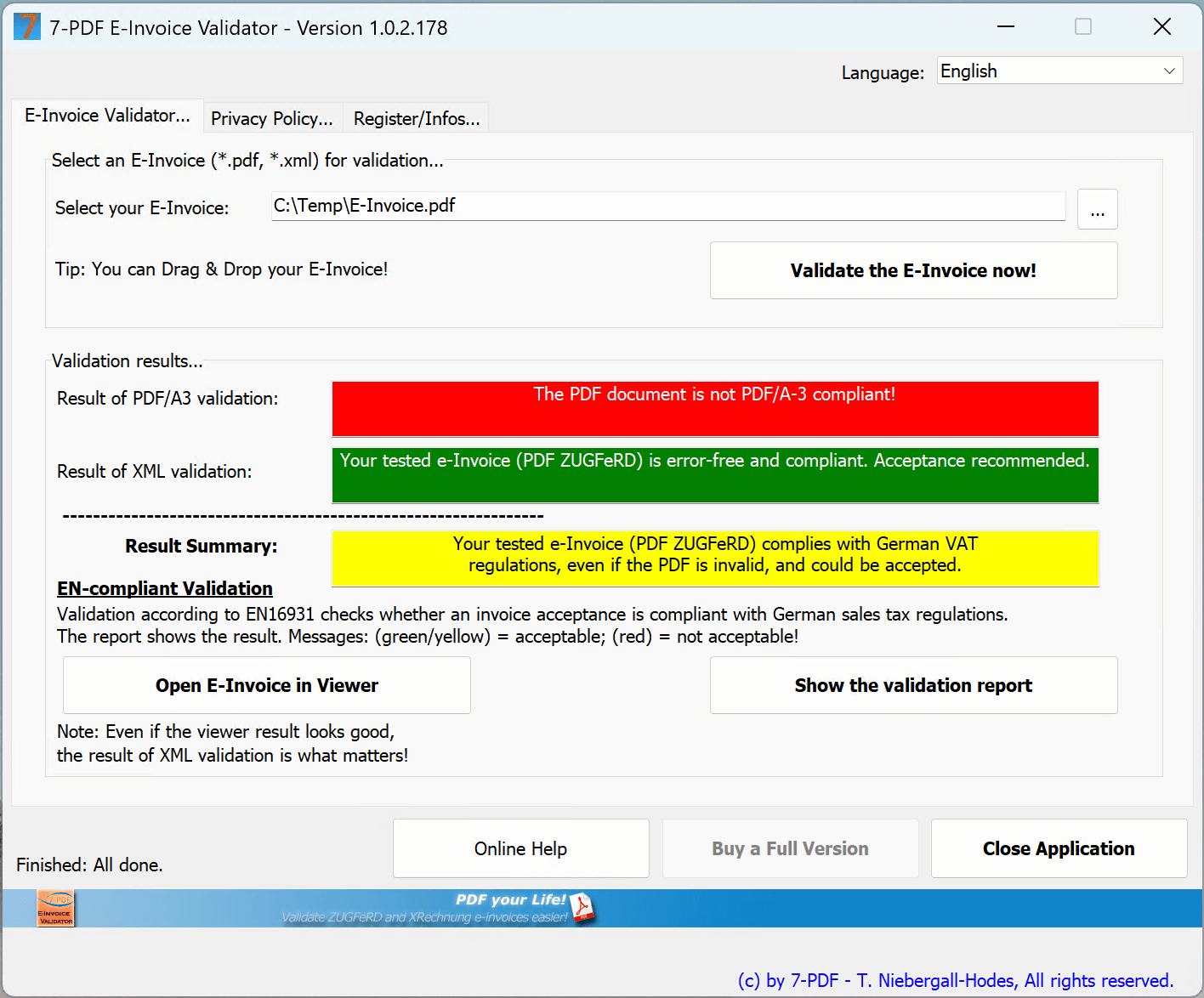
🔍 Validate your ZUGFeRD PDF
|
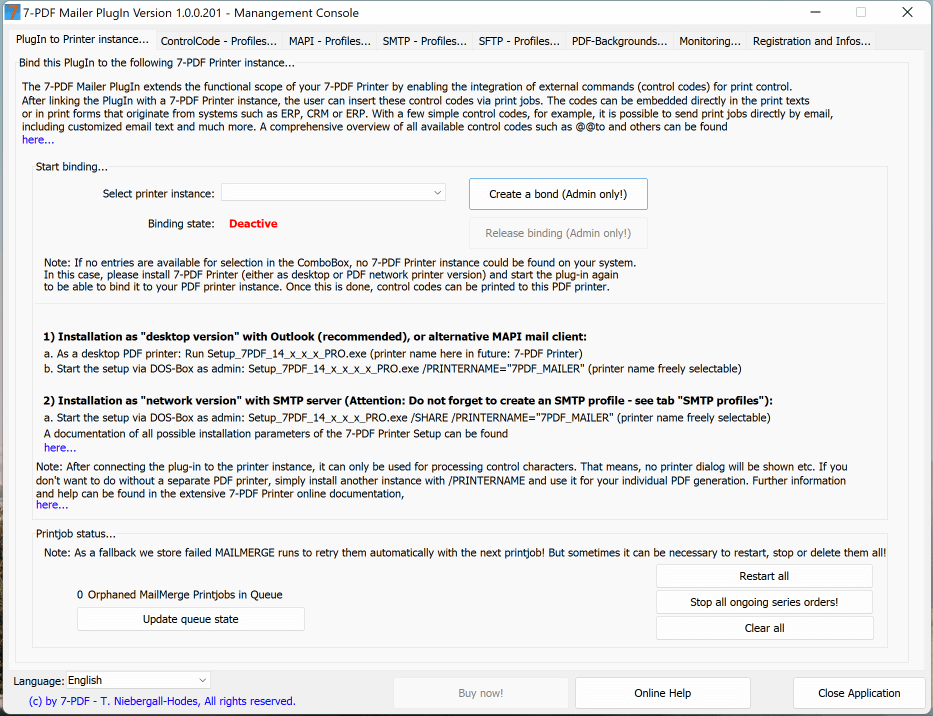
📧 Technically supported invoice dispatch via email
|
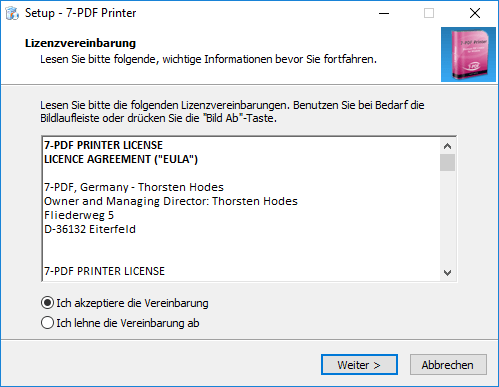
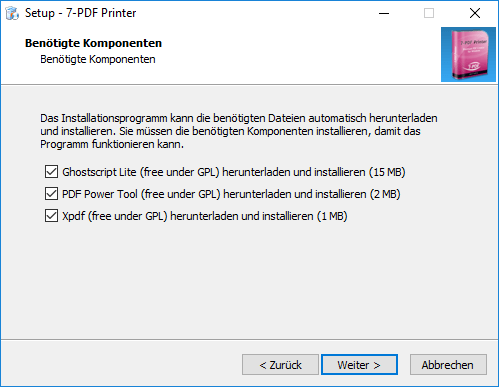
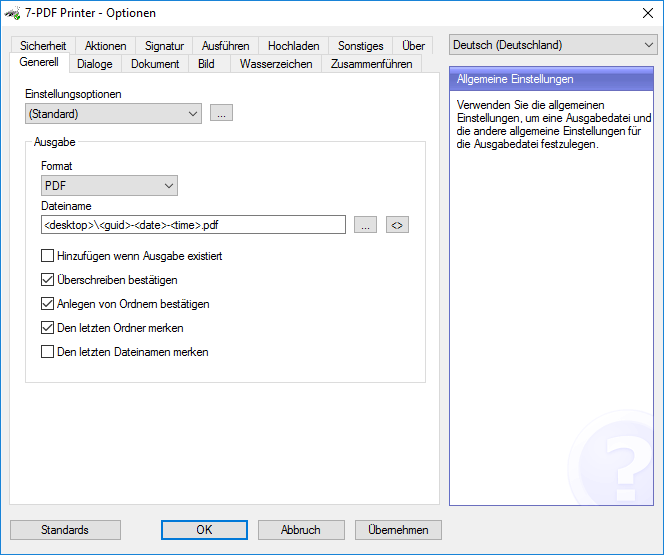
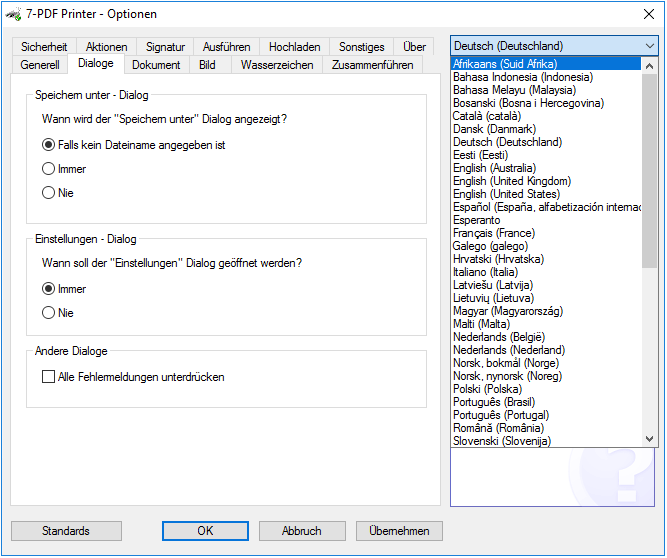
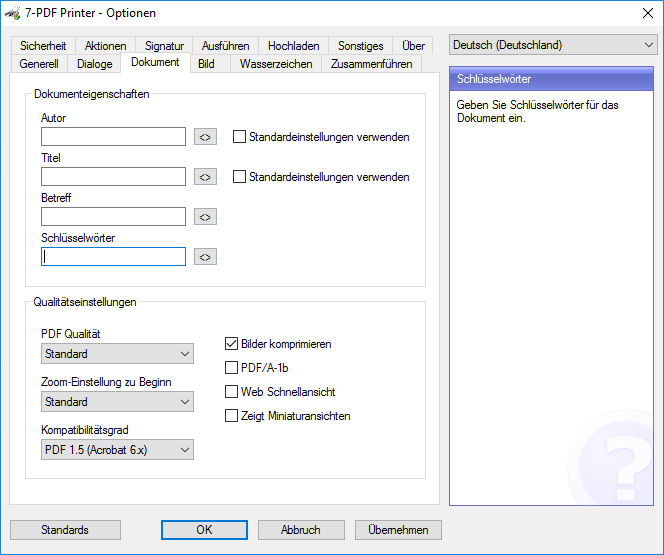
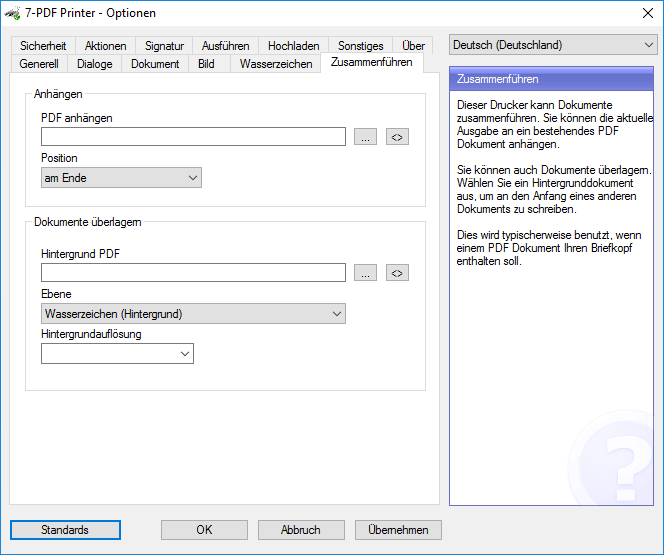
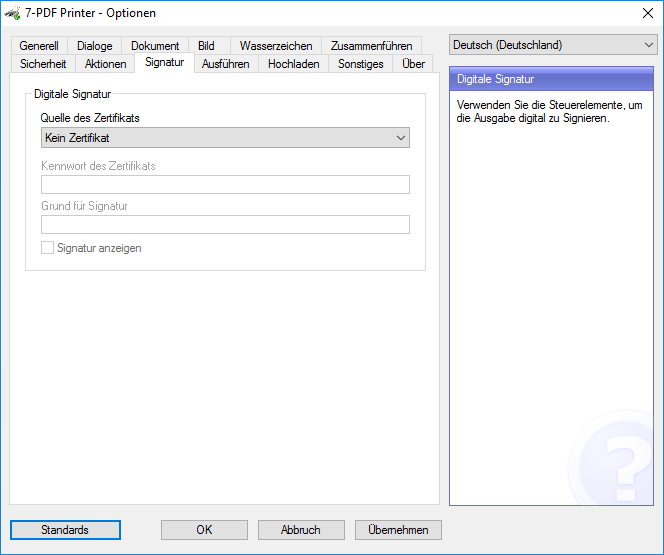
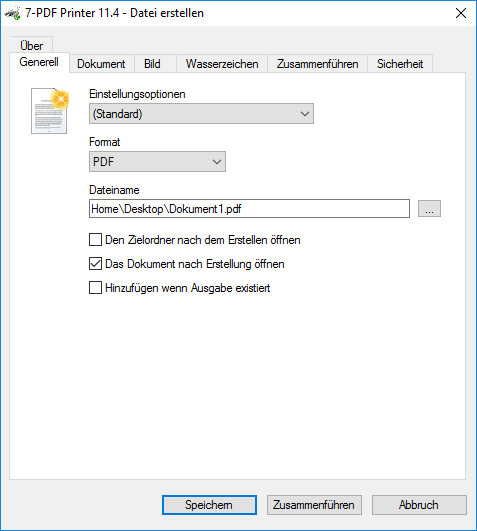
PDF Printer - Screenshots
Let yourself be pleasantly surprised
You can find more information about our PDF printer on this Product detail page...
⚠️ Manual review required
AI-assisted ZUGFeRD e-invoices must always be checked visually, technically and content-wise before being forwarded. Responsibility for the invoice remains with the user.